
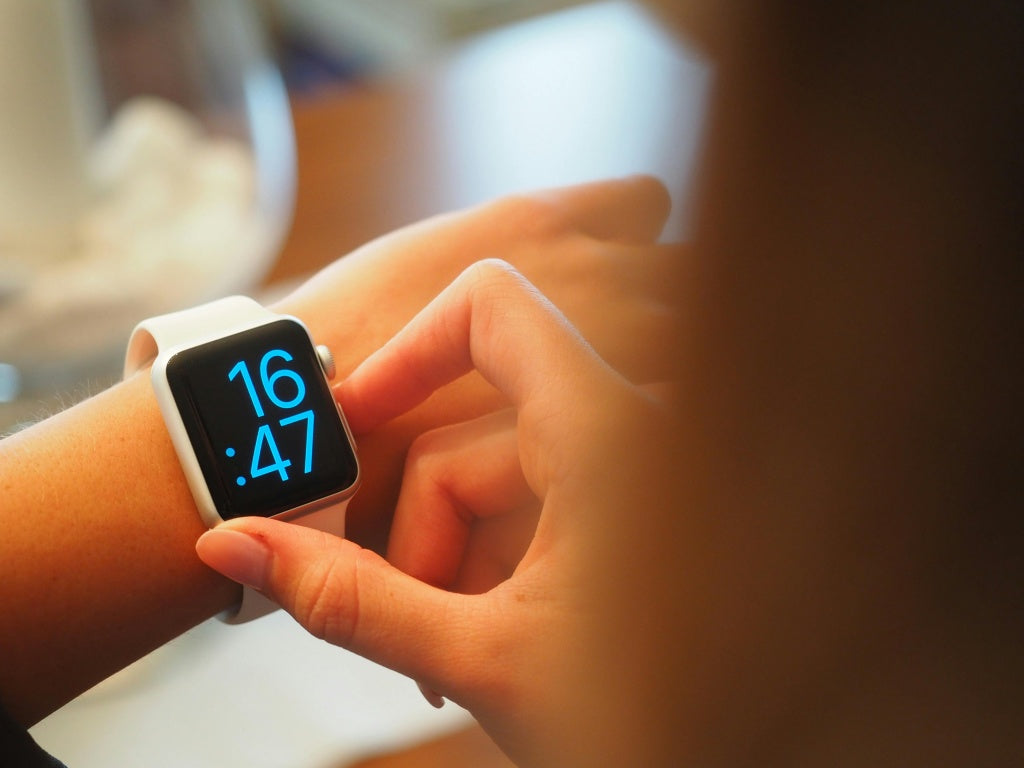
You bought a smartwatch to understand your health, then noticed something you did not expect: wrist irritation, warmth, tingling, headaches or a change in sleep. It is reasonable to investigate the device and ask whether its wireless activity belongs in the picture.
Yes, smartwatches emit radiofrequency EMF when their wireless radios transmit. Aires takes the broader evidence of EMF-related biological disruption seriously and believes the electromagnetic environment deserves deliberate attention. For a watch, that starts with its actual functions, the way you wear it and the experience that brought you here.
Which smartwatch features transmit?
| Feature | What it does | What to check |
|---|---|---|
| Bluetooth | Sends and receives data with a nearby phone or accessory. | Connections, syncing and the radio setting on the watch. |
| Wi-Fi | Connects to a local wireless network. | Whether the watch switches to Wi-Fi when the phone is unavailable. |
| Cellular | Connects directly to a mobile network on supported models. | The model, service plan, calls, streaming and data activity. |
| GPS | Receives satellite navigation signals. | Distinguish GPS reception from data uploads using another radio. |
| Optical pulse sensor | Uses light to help measure pulse. | Skin contact and sensor operation, distinct from RF communication. |
| Wireless charging | Transfers power through a changing magnetic field. | Charging placement and heat; this is separate from Bluetooth or cellular. |
Bluetooth Classic and Bluetooth LE use the 2.4 GHz band, with different communication features and activity patterns. A Bluetooth specification describes the connection technology; it is not a direct measurement of the wearer’s physiology.
For example, Apple describes how its watch chooses among Bluetooth, Wi-Fi and cellular. A nearby paired phone normally allows a Bluetooth connection. Other models and brands have different radios and settings, so check the actual device instead of assuming every smartwatch behaves the same way.
Wrist irritation, heat and sensations: start with what you can observe
Wearing a watch changes several things at once: pressure, contact with materials, moisture, temperature, light from sensors and wireless activity. Skin irritation and a headache are different experiences and deserve different questions.
Watch owners discuss these experiences openly. In one Apple Watch community discussion, the wearer describes a new irritated mark under the band and attempts to adjust fit and cleaning. Such accounts help identify real consumer questions; they do not measure prevalence or establish an EMF cause.
Apple’s fit and materials guidance identifies rubbing, tightness and sensitivity as considerations. Remove a watch that causes pain, irritation or uncomfortable heat. Persistent symptoms, broken skin or worsening reactions deserve assessment before you resume wearing it.
For a repeatable pattern, record the watch model, band, duration, exercise or sleep, active connections and what changes when the watch is removed. Removing it changes several factors together, so an improvement is useful information without isolating one cause.
Why the biological EMF question deserves investigation
The broader RF literature gives a scientific basis for asking how connected environments interact with physiology. Two human experiments are useful starting points:
- Sleep and brain activity. A 2024 Australian double-blind crossover pilot evaluated 12 adults under active and sham 2.45 GHz baby-monitor exposure. Reported sleep quality worsened and some sleep-EEG measures changed during active exposure; HRV and actigraphy did not change significantly.
- Brain energy use. Volkow and colleagues’ 2011 experiment found increased regional glucose metabolism near a mobile-phone antenna after 50 minutes of exposure in 47 adults. It measured a physiological response, not a disease outcome.
These are baby-monitor and phone experiments, not smartwatch trials. They establish why biological measurements belong in the discussion, while the watch’s own transmission pattern and wear conditions determine the specific exposure question. “Low power” and “non-ionizing” do not, by themselves, answer it.
Can you turn off smartwatch radiation?
You can stop individual radios from transmitting when the device provides that control. Check the actual settings: on Apple Watch, Airplane Mode keeps Bluetooth on by default while disabling Wi-Fi and cellular. Verify Bluetooth separately. Do Not Disturb and a dark screen are not radio-off settings.
Before changing connections, check which calls, alerts, accessibility or monitoring functions depend on them. Switching off and removing the watch provides a clearer break from its operation, but also removes its tracking functions. Choose deliberately around the features you actually need.
Sleep tracking and the wider bedroom environment
For overnight use, consider the watch together with the phone, router or mesh node and charging station. Their source types, timing and proximity differ. Aires’ environmental perspective includes that whole setup, rather than reducing it to the maximum number on a meter.
If wearing the watch seems connected to worse sleep or discomfort, a watch-free interval and a consistent sleep record can help you evaluate the pattern. Review bedroom router placement and bedside charging as separate choices.
Where Aires’ human research fits
Aires develops resonators intended to organize electromagnetic interactions toward more stable, biologically supportive conditions while connected devices remain usable. Its human research measures physiology directly.
In Sysoev–Budko’s 2026 peer-reviewed study, 24 healthy men aged 20–24 were studied during mobile-phone exposure with Lifetune ONE. The authors reported a return toward background EEG parameters over the four minutes following initial activation, and increased EEG coherence after seven days. Read the original journal publication, pages 95–104.
Datova’s 2013 original report recorded a lower HRV-derived regulatory-system stress index in 12 of 13 volunteers after 20 minutes with a previous-generation Aires device. The study summary and PACE expert peer review connect the participant results to the assessment.
These findings support the Aires research approach through defined physiological outcomes. They do not identify the cause of an individual watch reaction or establish treatment of smartwatch symptoms. Follow the physics-to-biology research program, then explore current Aires personal-environment products by intended use.
Build a wearable routine around your needs
- Identify the features you use. A cellular call, Bluetooth sync and GPS recording are different activities.
- Keep contact comfortable. Review fit, moisture and materials; take breaks when needed.
- Make radio settings deliberate. Verify each connection and preserve essential functions.
- Follow the pattern and the evidence. Use your observations to guide questions, and original research to understand the biological context.
Continue with Apple Watch-specific questions, smart rings, or AirPods and Bluetooth. The goal is to understand the technology you live with and make your environment a more deliberate part of health.
Updated November 2, 2026 · Josh, Aires. Original findings are attributed and linked to their researchers and publications.