You bought an Apple Watch to learn more about your health. Then something feels different when you wear it: wrist discomfort, tingling, a sensation of warmth, a headache or a change in how you sleep. If you cannot explain the experience, it is reasonable to ask what the watch is doing—and whether its wireless connections deserve a closer look.
Aires believes the research on EMF and biological responses gives people a serious reason to investigate their everyday exposure. With a smartwatch, that investigation starts with the device on your wrist: how it connects, when you wear it and the pattern you notice.
Apple Watch wrist pain and other symptoms: start with your experience
Some people begin with a visible mark under the band. Others notice discomfort without an obvious skin change, or feel different after wearing the watch for longer. These are different observations, and describing yours clearly is useful.
You can find similar questions in this Apple Support Community discussion of wrist pain. Those personal accounts show people trying to understand an experience; they do not establish its frequency or cause. Your own pattern is the starting point for asking better questions.
Does an Apple Watch emit EMF? Understand its connections
Yes. Apple Watch uses Bluetooth and Wi-Fi radiofrequency signals. Cellular models can also connect to a mobile network. A GPS model without a cellular plan still has wireless connections.
The connection changes with your circumstances. Apple’s connection guide describes the following order:
| Your setup | How the watch connects |
|---|---|
| Your paired iPhone is nearby | The watch uses Bluetooth when that connection is available. |
| Bluetooth to the phone is unavailable | The watch can use a compatible Wi-Fi network. |
| Neither connection is available | A cellular model with an active plan can use the mobile network. |
That matters when comparing a day at your desk with a phone-free run or a night wearing the watch. You may be using the same device through different connections. “Apple Watch radiation” describes several possible exposure conditions, rather than one fixed output.
What changes when you wear it overnight?
Sleep tracking adds hours with the watch against your wrist. If your question concerns sleep, record whether you wore it overnight, which wireless settings were enabled and whether you noticed a difference on nights without it. Record how you felt as well as what the watch reported.
Wearing time and transmission time are different: having a watch on your wrist does not mean it transmits continuously at maximum power. The useful questions concern the connections and activities during those hours, alongside the physical experience of wearing it.
Why EMF is a question worth investigating
Human experiments have measured changes in sleep and brain physiology under radiofrequency exposure. In Loughran and colleagues’ Australian sleep study, 50 participants received 30 minutes of mobile-phone exposure before sleep. Researchers reported shorter REM-sleep latency and increased EEG power in a specific frequency band during early sleep.
Huber and colleagues’ Swiss investigation compared pulsed and unpulsed radiofrequency exposure with sham conditions. Pulsed exposure altered waking and sleep EEG measures; the unpulsed condition did not produce the same EEG response. That result gives signal timing a place in the investigation alongside signal strength.
These were mobile-phone exposure experiments, not Apple Watch trials. Their relevance is the demonstrated biological interaction. Establishing whether a particular watch exposure causes a particular symptom requires evidence specific to that question. The findings give you something substantive to examine as you consider your own experience.
How to investigate your watch routine
You do not need to keep wearing an uncomfortable device while you search for an explanation. Start with a break and a few useful observations:
- Describe the pattern. Note the watch model, band, symptom, wear duration and what you were doing. Was it during a workout, a call, desk work or overnight wear?
- Record the setup. Was your phone nearby? Were Bluetooth, Wi-Fi or cellular enabled? A cellular workout away from your phone is a different setup from wearing the watch beside it.
- Notice what happens without the watch. Improvement during a break is useful information. Removing the watch changes pressure, skin contact, heat and exposure together, so that observation alone cannot identify which factor mattered. There is no need to deliberately reproduce discomfort.
- Check physical contact too. Fit, rubbing, sweat and material sensitivity can affect the skin. Apple’s wearing and care guidance explains these considerations. Persistent pain, numbness or skin changes warrant medical assessment.
Does Airplane Mode turn off Apple Watch wireless connections?
Not all of them by default. According to Apple’s Airplane Mode instructions, Airplane Mode normally disables Wi-Fi and cellular while leaving Bluetooth enabled. On the watch, open Settings → Airplane Mode to choose the Wi-Fi and Bluetooth defaults, and verify the settings on your device.
If you want a period without the watch operating against your body, remove it and power it off. Plan around any communication or health-monitoring functions you rely on. The point is to make a deliberate choice about your routine and understand what that choice changes.
The watch is one part of your daily environment
Your watch often operates alongside a phone, earbuds and a router. Field strength is one part of that picture; frequency, pulsing, transmission activity and location also describe the exposure. Aires approaches this as an environmental question. Our home EMF guide helps you examine the rest of the setup when you are ready.
Where Aires fits in that investigation
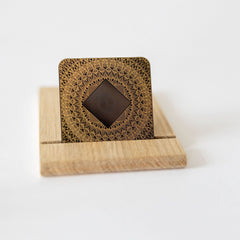
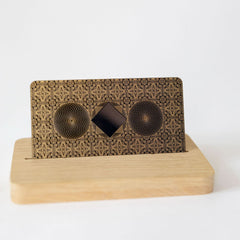
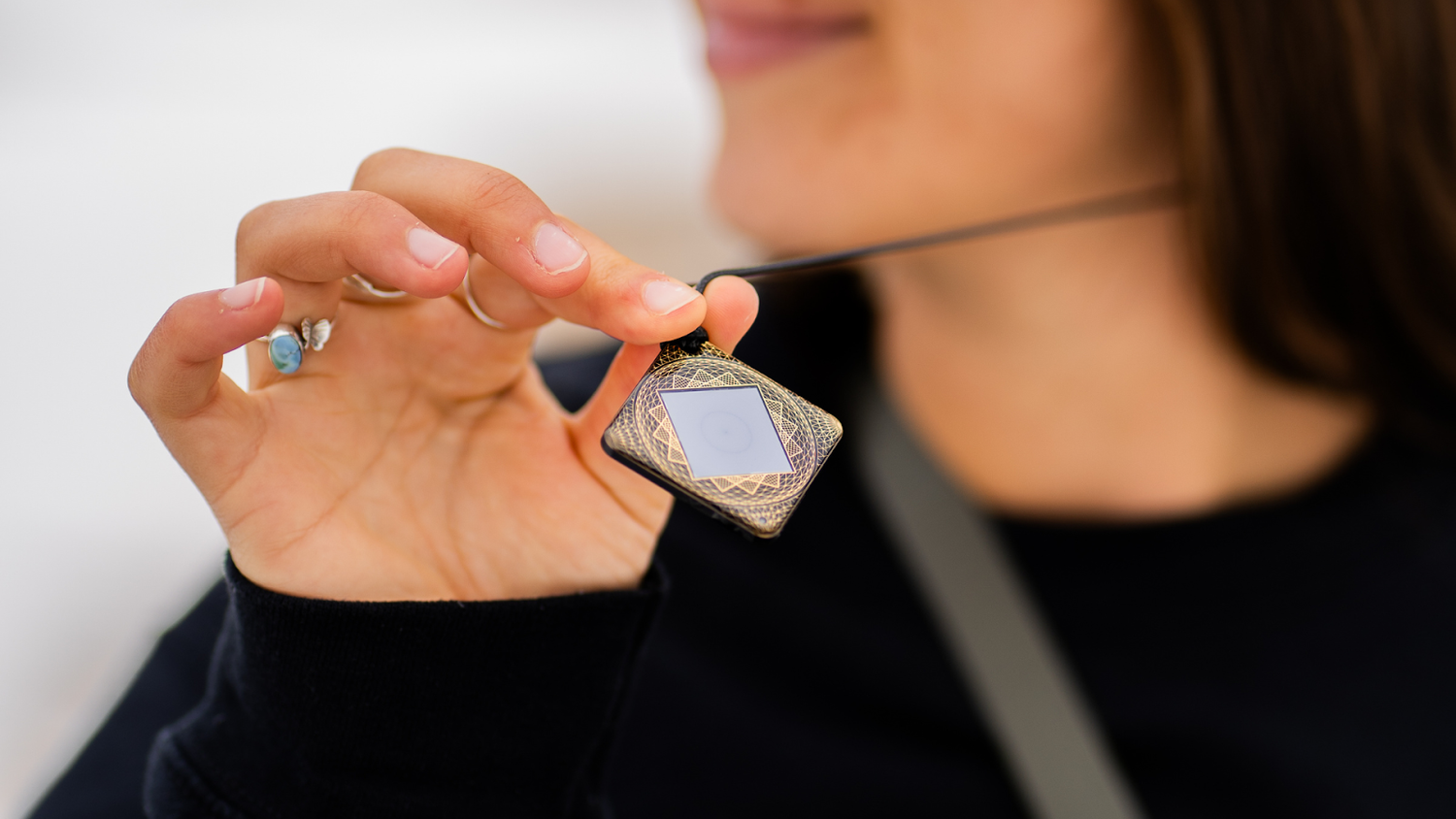
Aires develops technology around a specific design thesis: engineered resonators can organize electromagnetic interactions toward more stable, predictable conditions intended to support biology while technology remains usable. Its research program tests physical behavior and biological responses.
In Datova’s original HRV report, a before-and-after study found a lower regulatory-system stress index in 12 of 13 volunteers after 20 minutes with a previous-generation Aires device. The original Sysoev–Budko journal publication reports EEG parameters returning toward background values following initial activation, and increased coherence after seven days, in a mobile-phone protocol with Lifetune ONE. Read the HRV study explanation and EEG study explanation alongside the originals.
Those results explain the evidence behind Aires’ environmental approach; they are not tests of smartwatch symptom relief. If you arrived searching for an “Apple Watch radiation blocker” or “smartwatch EMF protection,” our blocking and field-modulation guide explains the approaches. You can then assess the Aires research and personal products in that context.
Your experience deserves attention. Understanding your watch, examining the relevant research and making informed changes gives you a clearer basis for deciding how wearable technology fits into your life.
Updated November 2, 2026 · Josh, Aires. Original findings are attributed and linked to their researchers and publications.